Godot: Utility Addons
Published on Feb 01 2026
Godot: Utility Addons
If you've read my post on game development you may already know I dabble with game development in the Godot engine. This post will outline 3 addons and 1 utility script I've come up with that I find useful.
Folder Collapse (Addon)
Problem: As your project grows, your res:// folder grows with it. Before you know it, you have dozens of expanded folders in your FileSystem dock. Open a directory of textures and you may have to scroll past possibly hundreds of files. Queue scrolling.
Solution: This addon is a simple utility node that automatically collapses the folder tree in your FileSystem dock to root res://. It saves you that extra click of having to manually tidy up your workspace. It resets your view so you can navigate to exactly where you need to be without the visual clutter of previous tasks.
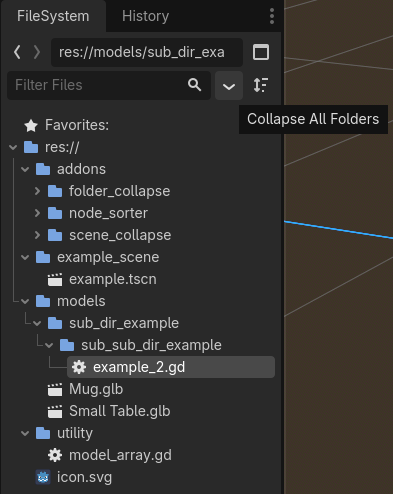
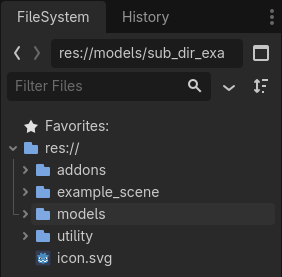
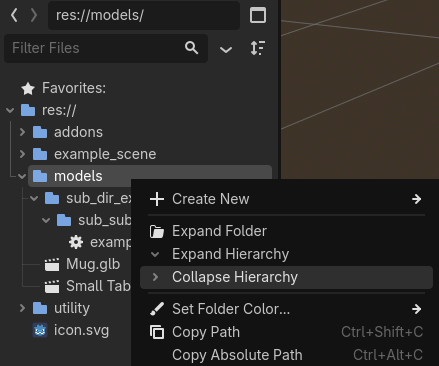
Also, yes collapse is a default function. It's useful, but I prefer to collapse everything all at once with 1 click for a quick reset without having to navigate to root. The search utility for the tree is also amazing, as well as 'favorites', of course.
Scene Tree Collapse (Addon)
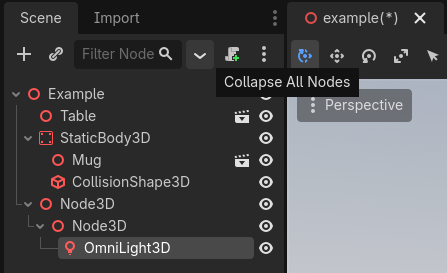
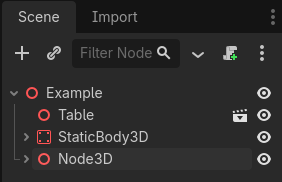
Problem: Just like the folder collapse issue above, if you work with complex UI layouts or complex characters, you may end up with a very deep scene tree. Same problem as above, get ready to scroll.
Solution: This addon functions identically to the folder collapse addon but works specifically for the Scene Tree dock. It quickly folds up all open nodes, returning your scene hierarchy to a clean, top-level state. It gives you the same collapse reset I described above, but for your scenes. Straight forward I hope.
Node Sort (Addon)
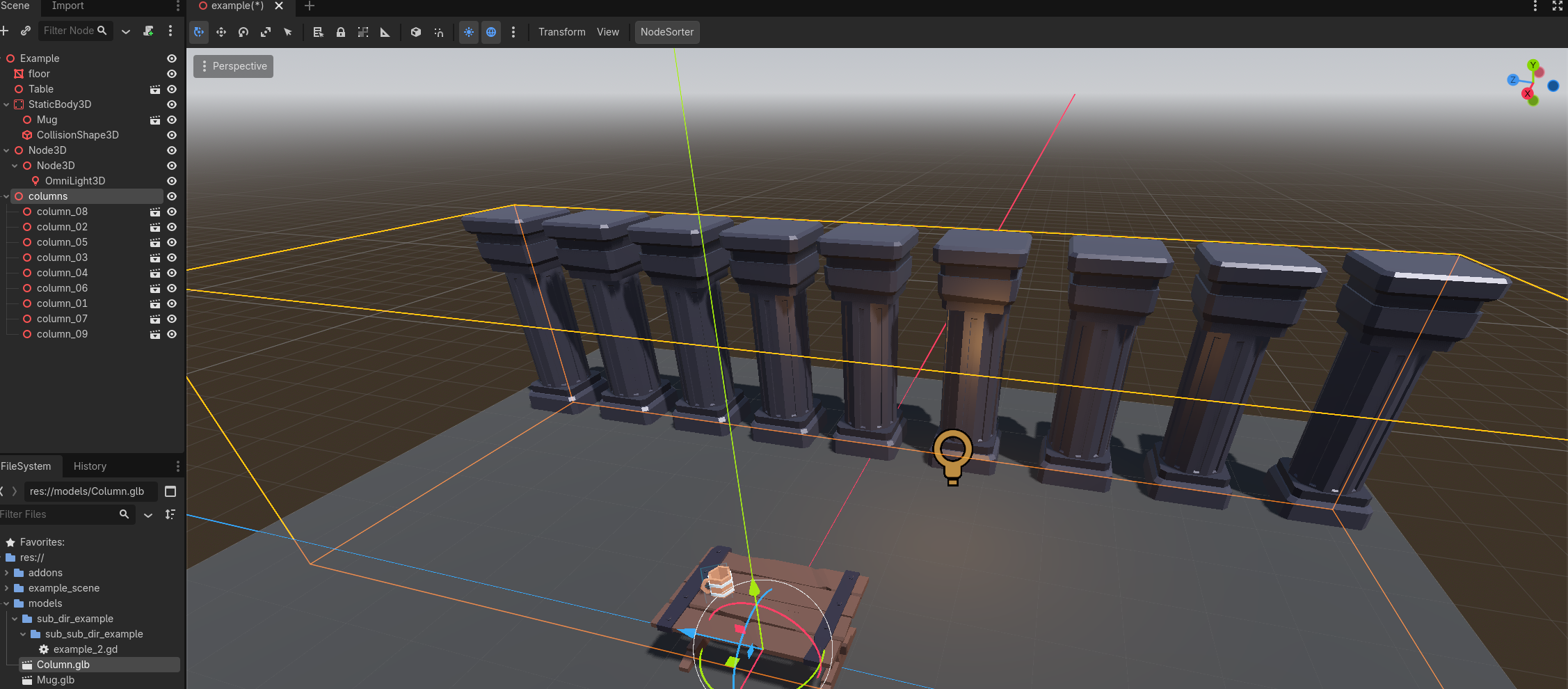
Problem: Godot usually orders nodes by the order in which they were added. Sometimes, if you're disorganized like me and have done a bunch of node renaming or duplication, you may end up with an unorganized node.
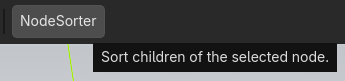
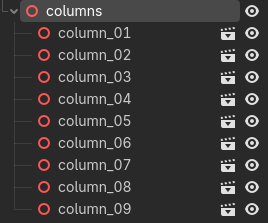
Solution: This addon simply takes a selected node and sorts all of its direct children alphabetically by name. It could probably use a new UI location because center screen is a bit awkward I admit.
Model Array (Script)
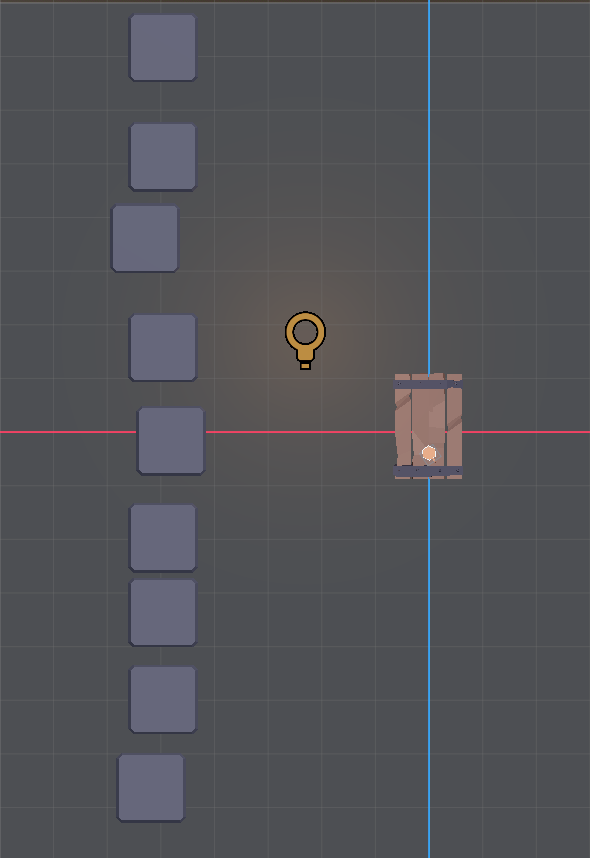
Problem: Coming from Blender, one of the tools I missed most was the Array Modifier. Placing 20 pillars in a perfect row (or grid) manually in the Godot editor is tedious and prone to alignment errors. Yes, you can use grid snap but it's an extra step and still doesn't ensure you don't mis-align something.
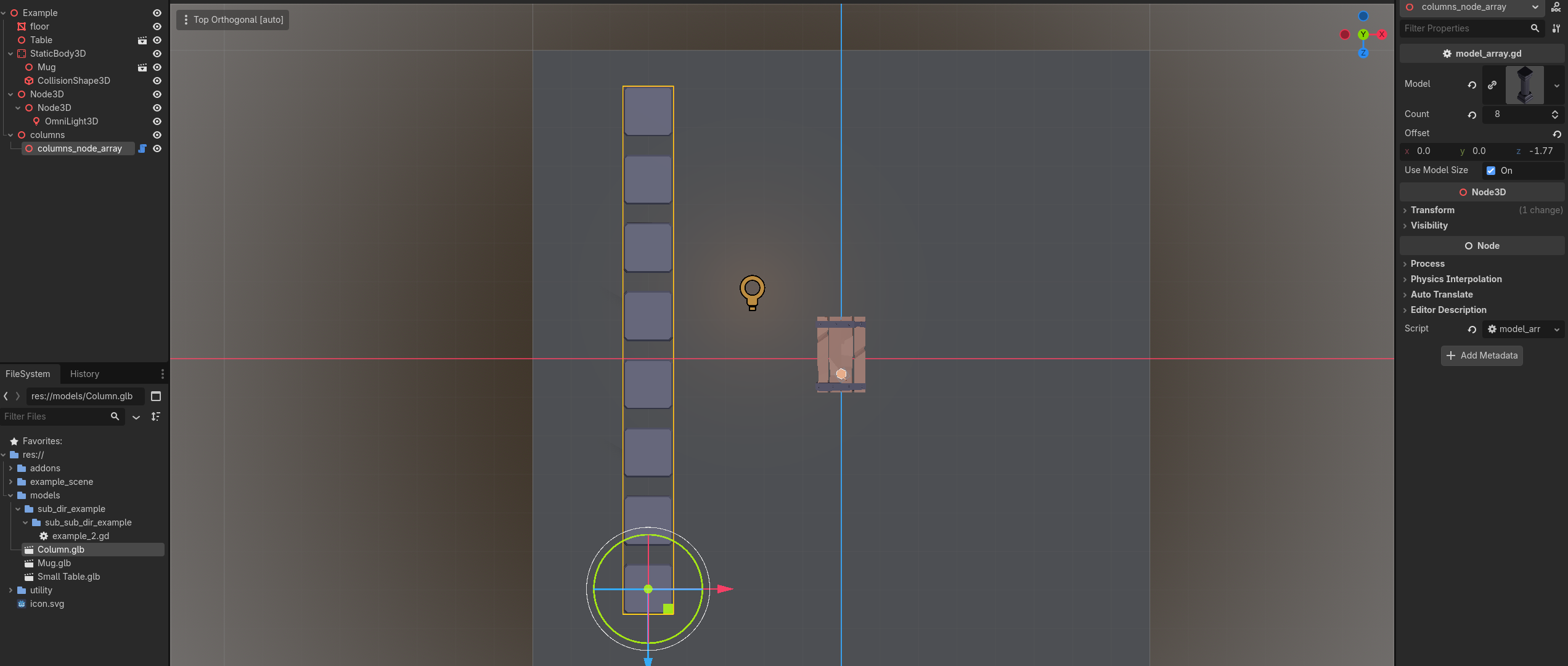
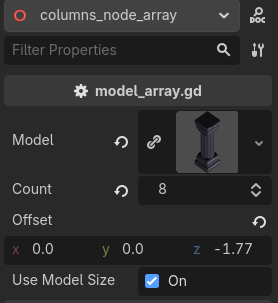
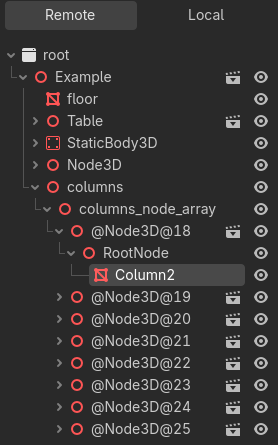
Solution: This script creates the logic of Blender's Array Modifier directly within Godot. You simply add a Node3D and attach the script. You can then add your model (mesh), set the count, and the offset and it generates the instances for you. It's also a @tool class so you can preview the array of models in the editor. It's perfect for setting up...perfect things?
Manual placement example...
With model array script...
Code
All the code for these can be found here on github
Models
- Column by Quaternius (https://poly.pizza/m/wLubNpOTX4)
- Small Table by Quaternius (https://poly.pizza/m/rAEBvfb1FT)
- Mug by Kenney (https://poly.pizza/m/fis2ugeLbn)