Chrome Extension: YouTube Channel Hider
Published on Dec 11 2025
Oh, YouTube...
If you have kids, you know the drill. Sometimes, for the sake of your own sanity (or to manage a screaming sibling), you let them use YouTube.
It starts innocently enough. But if your kid has learned to click (and they always learn to click) it doesn’t take long for the "Trash" channels to invade. YouTube has some great content, even for kiddos.
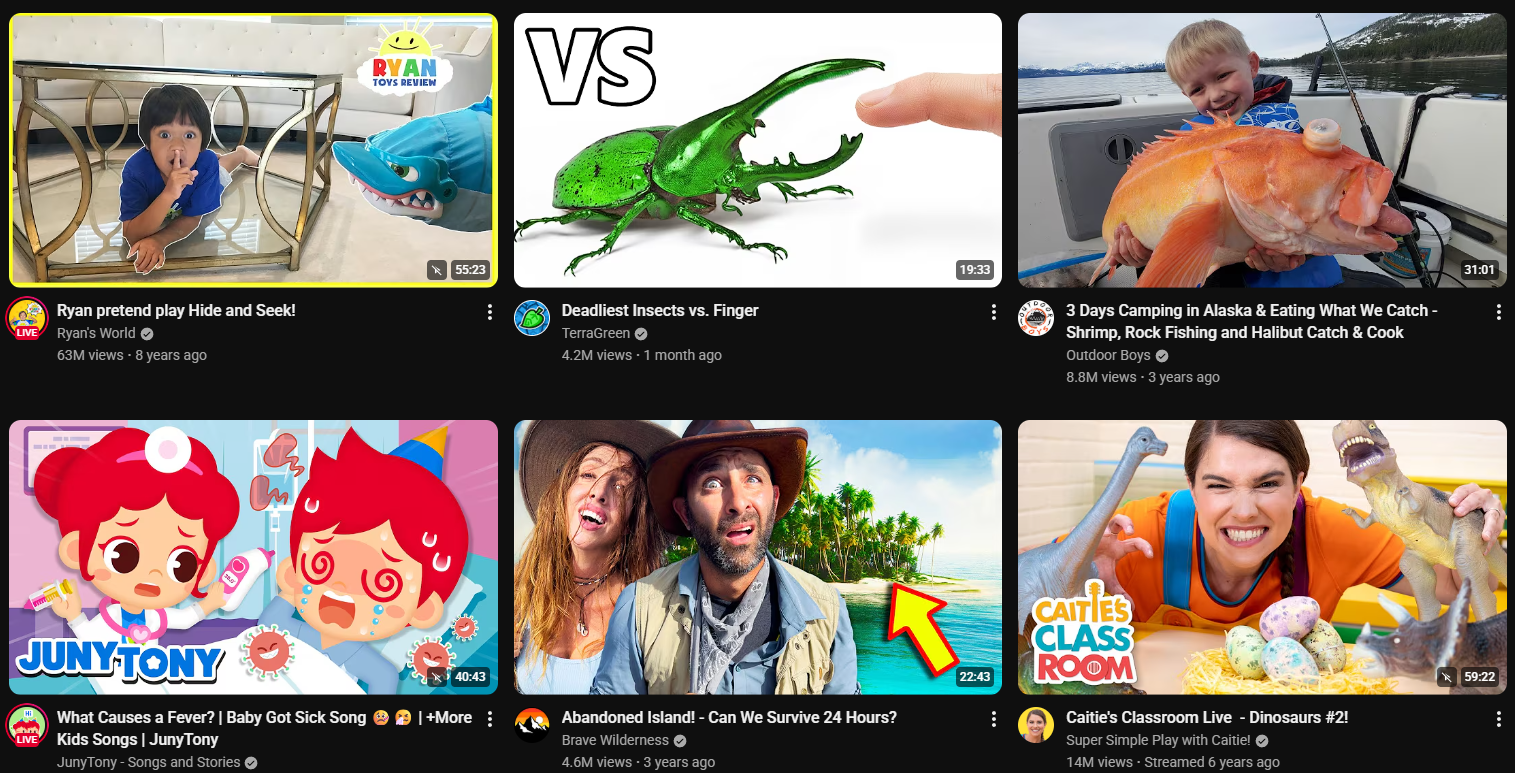
It also has some not so great content... You know the ones. The high-pitched voices, the weird unboxing videos, odd animations that move at hyper-speed with bright flashing lights and farting, the chaotic "content farms" that seem to exist solely to overstimulate your child and annoy you.
The Problem: YouTube Won't Let You Block Them
The most frustrating part? YouTube doesn't actually give you a native, effective way to hard-block a channel.
Sure, you can click "Don't recommend channel," but they still show up in search results, sidebar suggestions, shorts, or related videos. Before you know it, your curated "Kids" profile (or your own!) is a wasteland of low-quality garbage.
Solution: Channel Hider
I got tired of saying 'no', so I built a solution that helps me never get asked the question "ooo, Dad! Click that one!"
Plus, I already did this before with my Amazon Order Hider.
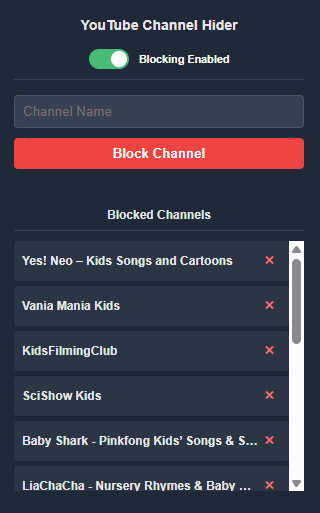
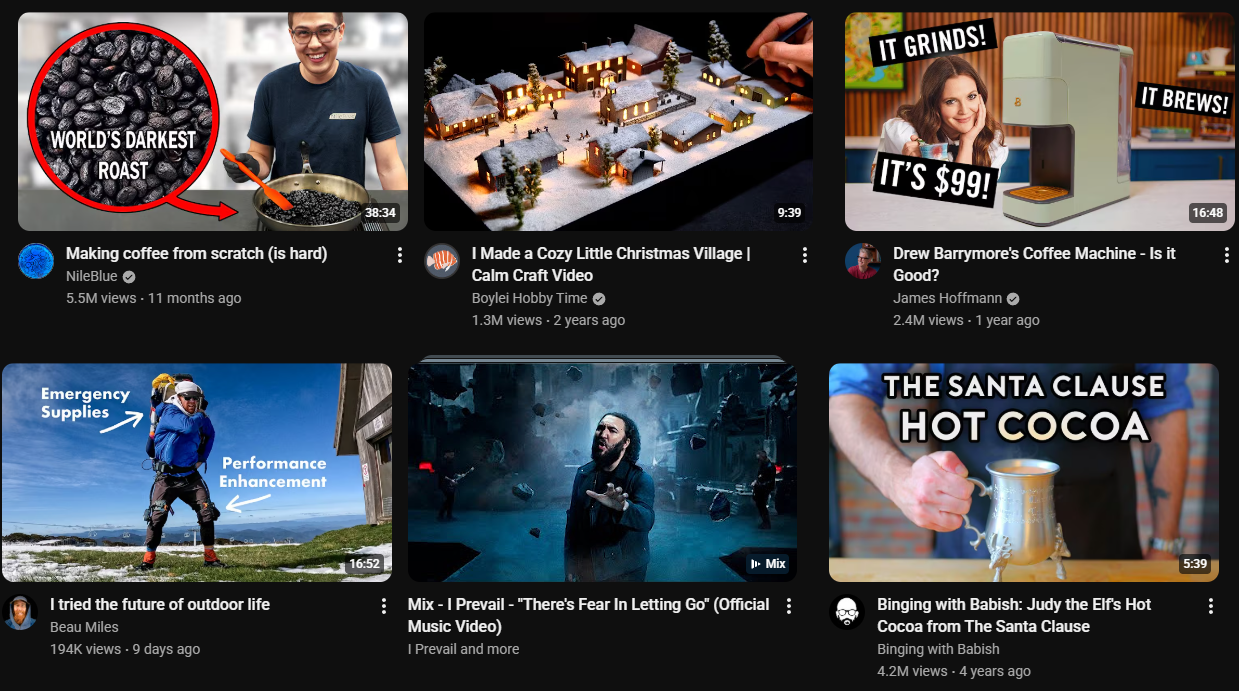
Channel Hider is a simple chrome extension designed to do what YouTube won't: actually hide the channels you hate. It allows you to create a specific list of channels that will vanish from your feed entirely.
Plus, there is a massive added bonus to using this tool.
Because these videos are hidden, your child (or you) can no longer click on them.
No Clicks: Means no engagement signal sent to YouTube.
No Engagement: Means YouTube stops thinking you want to see that content.
Over time, this actually might "fix" your recommendation algorithm, slowly steering the feed back toward the content you actually approve of. It’s a win-win.
Is this groundbreaking? No...but I find it useful.
Get YouTube Channel Hider on GitHub
Before:
After:
Extension: